
Spinsy Casino App
After the Spinsy Casino app? Here's the honest answer before you start trawling the App Store: there is no native app, and no APK to sideload either. Spinsy Casino instead runs as a responsive web app that you pin to your home screen — and once it's sitting there it behaves like any installed app, just without the download step. This guide takes you through the install on iPhone and Android, sets out what genuinely works on mobile, explains how it performs over 4G and 5G, and makes the case that a web app costs you nothing. As ever, this is an independent review site, so the buttons below send you to the official Spinsy Casino site.
In a sentence: the web app hands you the same games, the same cashier and the same A$1,500 + 200 free spins welcome offer as the desktop site, with none of the storage hit and no waiting on a store to push an update. Read on for the walkthrough and a fair look at the trade-offs.
Is there a Spinsy Casino app? The honest answer
No point dancing around it: there is no native Spinsy Casino app on the App Store or Google Play, and no official APK doing the rounds either. That might read like a shortcoming, but it really isn't — and the reasoning behind it is worth understanding.
Why there's no APK or store download
Apple and Google both come down hard on real-money gambling apps. Securing approval is a grind knotted up in licensing that changes country by country, and even where it's permitted the apps often end up walled off by geo-restrictions. A lot of operators skip the whole headache by going with a web app, and Spinsy Casino falls into that camp. One caution while we're here: should you ever come across a "Spinsy Casino APK" parked on some third-party download page, steer well clear. It won't be the real thing, and sideloaded gambling APKs are a well-worn route for malware. The one legitimate way to play on mobile is the web app delivered from the official site.
What a web app actually is
A web app is, at heart, the website itself — engineered to run smoothly on a phone and able to be saved to your home screen as a standalone shortcut. Tap that icon and it opens full screen, with no address bar and no toolbars in the way, leaving it all but identical to a downloaded app. The payoff: you're always on the current version with no updates to chase, it barely registers on your storage, and the very same build serves iPhone, Android and tablet alike. For a casino, where games are streamed and rendered live regardless, that's a genuinely sound approach.
Installing the Spinsy Casino web app on your phone
Pinning Spinsy Casino to your home screen is a job of well under a minute on either platform. Apple and Android handle it a touch differently, so here's each one spelled out clearly. With that done, you launch from the icon exactly like any other app.
iPhone and iPad (iOS, Safari)
On iOS the install lives in Safari — Chrome on an iPhone won't do it the same way, so reach for Safari here. Open Spinsy Casino, tap the Share button (the square with the upward arrow along the bottom of the screen), scroll the share sheet until Add to Home Screen appears, and tap it. Rename the icon if you fancy, then confirm. A Spinsy icon settles onto your home screen, and from that point a single tap opens the site full screen, ready for you to sign in and play.
Android (Chrome)
On Android, Chrome is the path of least resistance. Open Spinsy Casino, tap the three-dot menu in the top-right corner, and hunt for Install app or Add to Home screen (the exact wording drifts between Chrome versions). Confirm the prompt and Chrome drops the icon onto your home screen and into the app drawer. A tap launches Spinsy in its own window, clear of the browser chrome — the same full-screen feel as the iPhone version.
What works on the Spinsy Casino mobile web app
Once it's installed, a fair thing to ask is whether the web app truly matches the desktop site or quietly trims features. The reassuring part: it's the complete platform, with nothing carved out for the smaller screen.
Pokies, live tables and the cashier on your phone
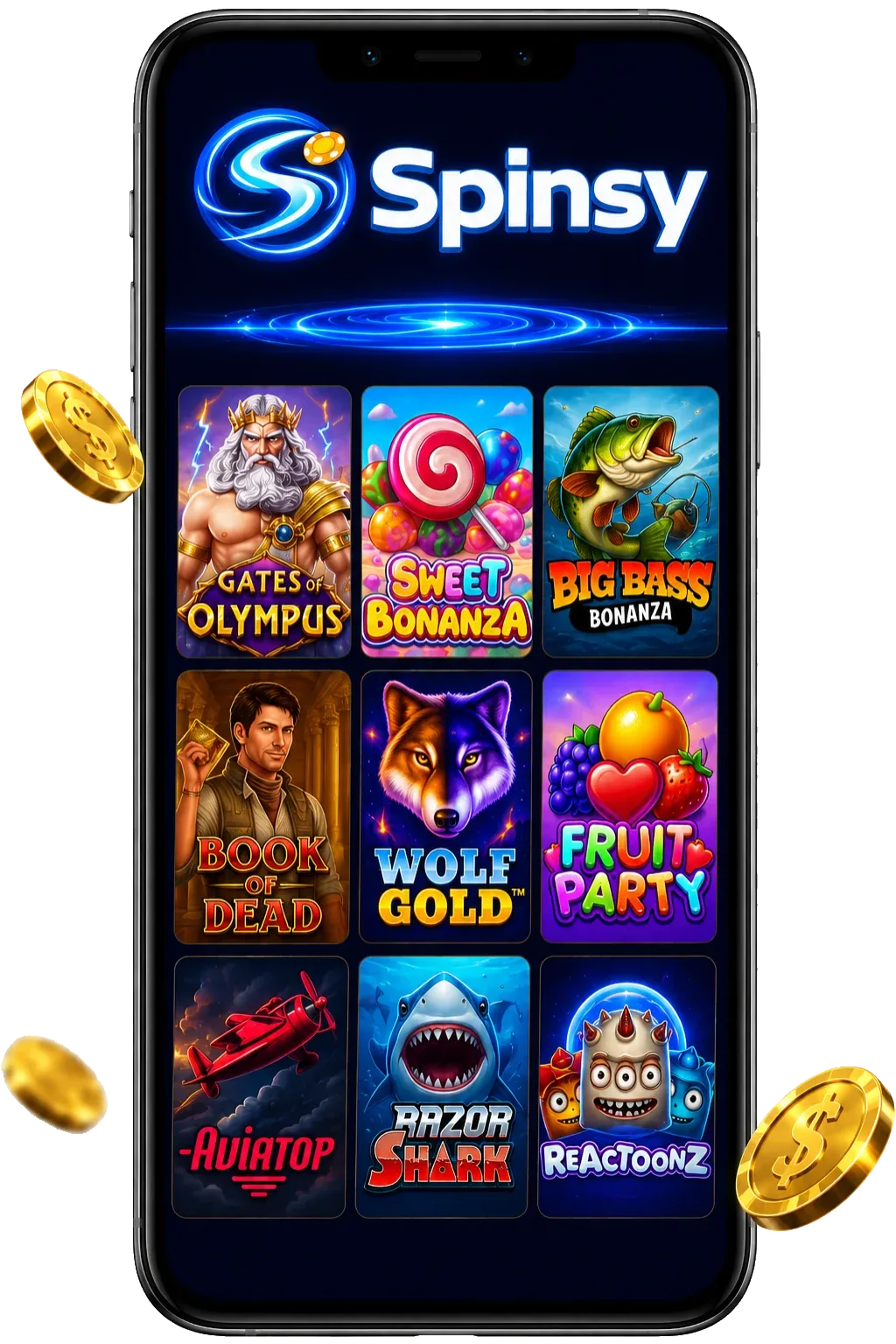
The entire 3,000-plus library of pokies travels with you, from Gates of Olympus and Sweet Bonanza through to the newest weekly drops, most of them playable in demo mode as well. The live dealer tables stream in HD straight to the handset — Lightning Roulette, Crazy Time, blackjack and baccarat all run cleanly in portrait or landscape. Most importantly, the full cashier comes along too: you can deposit by Visa, Mastercard, Skrill, Neteller or crypto and, just as crucially, lodge withdrawals from the phone without ever reaching for a computer. Throw in live chat, the bonus area and your account settings, and the web app effectively pockets the desktop experience.
- HD live dealer tables — roulette, blackjack, baccarat and the game shows
- Full cashier in your pocket: deposit from A$20 and cash out too
- All 3,000+ pokies on board, most with a free demo to trial first
- Grab the A$1,500 + 200 free spins welcome offer straight from mobile
Performance on 4G and 5G
Speed is the area where plenty of mobile casinos quietly come undone, so it pays to be specific. Over a solid 4G connection, pokies load within a couple of seconds and spins register instantly — the games are lightweight and the web app caches its shell, so launching it again is fast. Step up to 5G or Wi-Fi and even the live dealer tables, which push real video and burn through more data, run without a hiccup. On a flaky signal the pokies still behave; the live tables are the one component that prefers a stable line, purely because video weighs more than a slot reel. In everyday use across Australia, the web app shadows desktop in nearly every respect.
Battery, storage and updates
With no installed app idling in the background, the web app stays gentle on both storage and battery — resources are spent only while you're actively playing. And because it's served live from the site, you're forever on the current build: no store updates to track down, no waiting on an approval before a fix ships. It's one of those low-key advantages that never grabs the spotlight yet genuinely smooths out the day-to-day.
Web app vs native app: the real gains and losses
It's fair to wonder what you forfeit by skipping a "proper" app. The honest answer is barely anything — and you actually pick up a few perks. Here's how the two line up so you can call it yourself.
Where the web app comes out ahead
Convenience is the web app's strong suit: nothing to download, no storage consumed, no updates to babysit, and behaviour that's identical across iPhone, Android and tablet. You're never stuck on a stale build, and you sidestep both the geo-restrictions and the approval lottery that snarl up gambling apps in the official stores. There's a safety upside too — you're never tempted to grab a dubious APK off a random site, because the official mobile route is, simply, the web app.
So what can a native app claim that a web app can't quite equal? Push notifications are marginally more reliable, and a native build could stretch a little further offline. Neither amounts to much at an online casino, though, where real-money games need a live connection regardless and the web app handles promo alerts perfectly well by email and on-site. For the vast majority of players, the web app is the smarter pick — and it's the one Spinsy Casino has chosen to stand behind. Curious about the sign-in side? Our Spinsy Casino login guide walks through it in full.
Add Spinsy Casino to your home screen
Forget the store and the APK — open the official site on your phone and pin the web app in a couple of taps. First-timers collect 100% up to A$750 + 200 free spins on their opening deposit, with the welcome offer building to A$1,500 + 200 free spins. Minimum deposit A$20, wagering 40x.
GO TO SPINSY CASINO